1. Get a license and the Installer from PatentMaker:
To get a license and installer from PatentMaker, please click on "1-month free trial" on our website and send us a request for a test license. We will check your request as soon as possible and send you a license along with a link to download our installer once we have verified your request. After installing PatentMaker, you can immediately test all the functions that have been activated for you.Please contact us for a customized installer if you opt for a firm-wide subscription.2. Start the installer and enter the required information
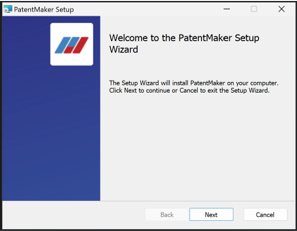
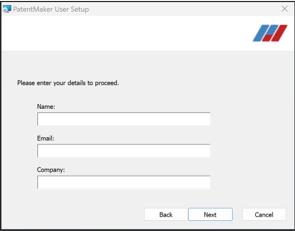
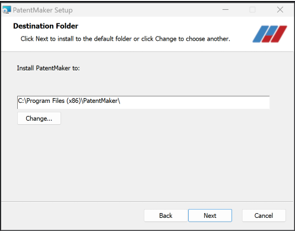
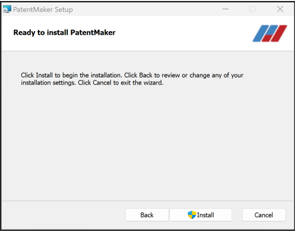
3. Complete the installation
Please click at “Yes/Ja” to the User Account Control question. PatentMaker is a verified publisher in Windows.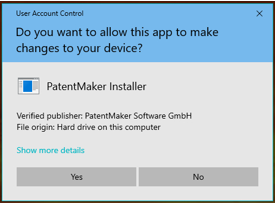
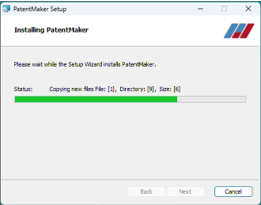
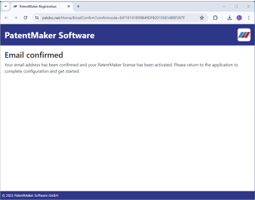
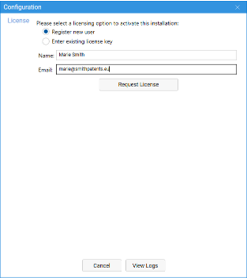
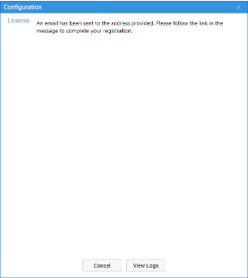
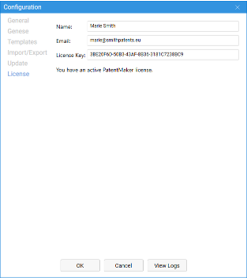
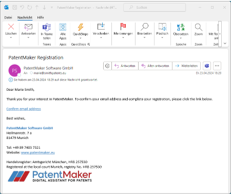
4. Activate your license and confirm your e-mail
5. Configuration
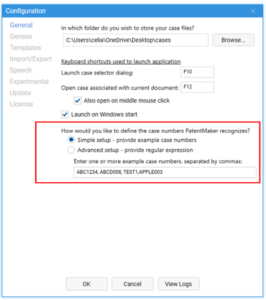
Please tell PatentMaker where you want to store the case files (e.g. in a „cases“ folder on your Desktop or one OneDrive) and please indicate a few example case numbers, so that PatentMaker knows what format your case numbers have).